

A “Tax Registration Number” (TRN) in the UAE is one of those details that seems minor until you try to invoice a customer, clear goods through customs, or pass a compliance review, and suddenly everyone is asking for it.
If you are setting up a company in Dubai or elsewhere in the UAE, understanding what the TRN is, when you need one, and how to apply correctly can save weeks of back and forth and help you avoid costly compliance issues.
What is a Tax Registration Number (TRN) in the UAE?
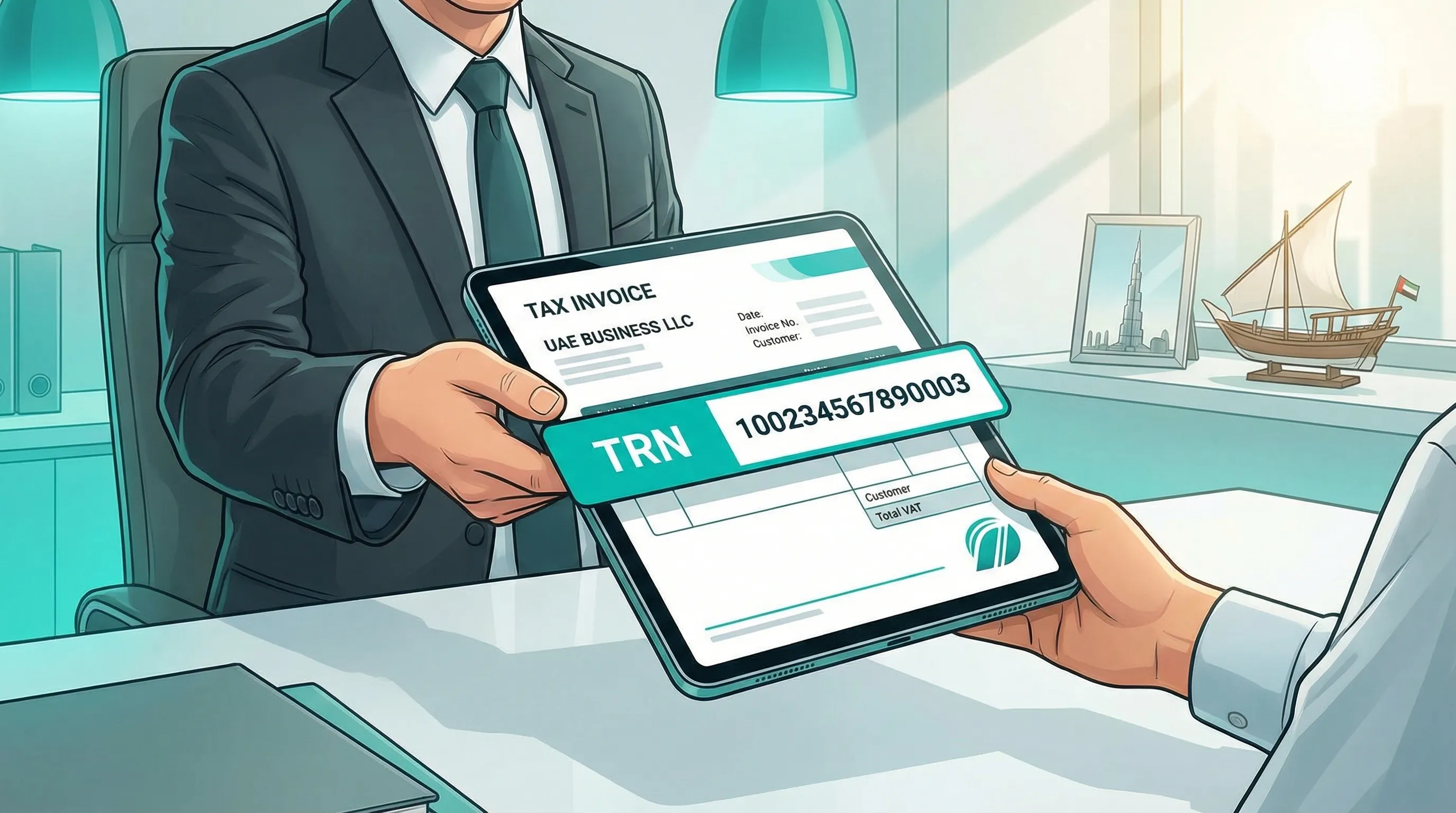
A Tax Registration Number (TRN) is a unique identification number issued by the UAE Federal Tax Authority (FTA) to a person or business once they successfully register for a UAE tax (most commonly VAT).
In day-to-day business, “TRN” most often refers to your VAT TRN, because:
- It must be shown on tax invoices.
- Customers and suppliers frequently request it to validate VAT treatment.
- It is used for checks in the FTA’s public verification tools.
The FTA manages tax registrations and TRNs via its online platform (EmaraTax). For official background, see the Federal Tax Authority website.
TRN vs VAT registration: what is the difference?
A TRN is the number you receive after you register. The action is “VAT registration” (or another FTA tax registration), and the output is your TRN.
Practically:
- VAT registration is the compliance process.
- TRN is the identifier you use on invoices, returns, and official correspondence.
When do you need a TRN in the UAE?
1) When you must register for VAT
Most companies seek a TRN because they must register for UAE VAT.
The key concept is your taxable supplies (sales that are subject to VAT at the standard rate or zero rate). Under UAE rules, VAT registration is:
- Mandatory once you exceed the mandatory threshold.
- Optional (voluntary) once you exceed the voluntary threshold.
The commonly referenced thresholds are:
| VAT registration type | Threshold (AED) | What it’s based on |
|---|---|---|
| Mandatory VAT registration | 375,000 | Value of taxable supplies (historically assessed on past 12 months, and/or expected shortly) |
| Voluntary VAT registration | 187,500 | Value of taxable supplies and/or taxable expenses (subject to FTA rules) |
Because definitions and edge cases matter (for example, mixed supplies, intra-GCC considerations, imports, and zero-rated exports), confirm your position against current FTA guidance on VAT registration.
2) When you are required to register for other UAE taxes
The FTA also administers other tax regimes (for example, excise tax). If your business activities fall under those regimes, you may need to register and obtain a TRN for that purpose.
3) Corporate tax note (important, but often confused with TRN)
UAE corporate tax is now a normal part of doing business, and many entities are required to register with the FTA even if they owe little or no tax.
People sometimes refer to “TRN” when they mean “corporate tax registration number,” and the terminology used in portals and forms can add to the confusion.
If your immediate need is invoicing and VAT compliance, the number you are usually being asked for is your VAT TRN. If you are unsure which registration your counterparties require, align your internal compliance plan with an advisor before you submit applications.
Where your TRN is used (and why it matters)
Once issued, your TRN becomes a core business identifier. You typically use it for:
- Tax invoices and credit notes (to issue compliant VAT documentation)
- VAT returns and FTA correspondence
- Supplier onboarding (many vendors request a TRN before they apply VAT correctly)
- Customer due diligence (especially B2B customers that need clean VAT documentation)
If you operate e-commerce or lead generation, your TRN can also become part of your website and invoice templates. Make sure any public-facing display is accurate and consistent. If you are rebuilding landing pages, checkout flows, or invoice design, it can help to work with a specialist on the customer journey and trust signals. For example, a digital strategy partner like WRM Design can help ensure your marketing and conversion assets reflect compliance details cleanly (without cluttering the user experience).
How to get a TRN in the UAE (step-by-step)
In most cases, “getting a TRN” means registering for VAT through the FTA’s EmaraTax platform and receiving approval.
Step 1: Confirm whether you should register (mandatory vs voluntary)
Before you start the application, confirm:
- Your taxable supplies over the relevant period
- Whether you expect to exceed the threshold soon
- Whether your business model includes imports/exports
- Whether you have multiple licenses or legal entities that affect the calculation
If the threshold analysis is wrong, you risk registering too late (exposure to penalties) or registering without a solid basis (which can create ongoing compliance burden).
Step 2: Prepare the information and documents the FTA will expect
Exact requirements can vary by activity and entity type, but most VAT registration files go faster when you have a clean, consistent set of documents ready.
A practical checklist to prepare:
| Category | Examples of what is commonly requested |
|---|---|
| Entity and licensing | Trade license, legal name in English and Arabic (if applicable), activity details |
| Owners and authorized signatory | Passport and Emirates ID (where applicable), residency status, authorization documents |
| Company formation documents | Memorandum/Articles (as applicable), ownership structure information |
| Business contact and address | Business address details, contact email and phone |
| Financial and commercial evidence | Revenue figures and basis of calculation, contracts, invoices, bank evidence (as applicable) |
| Customs and cross-border | Import/export details and customs registration info (if relevant) |
Tip: Inconsistencies are a common cause of delays (for example, different addresses, mismatched activity descriptions, or unclear turnover calculations).
Step 3: Create or access your account in EmaraTax
VAT registration is completed online via the FTA’s platform. You will:
- Create an account (or log in)
- Add the taxable person/business
- Complete the VAT registration application
- Upload supporting documents
Start from the FTA portal and follow the instructions for VAT registration: VAT registration service page.
Step 4: Complete the application carefully (this is where most errors happen)
The application is not just administrative. It is a structured explanation of your business and why you are registering.
Areas to double-check:
- Your turnover numbers and the period used to calculate them
- The nature of supplies (standard-rated, zero-rated, exempt, outside scope)
- Whether you have imports/exports (and how goods or services move)
- Contact details for the responsible person
If you are applying voluntarily, be prepared to justify the basis for voluntary registration in a way that matches FTA requirements.
Step 5: Respond quickly to clarifications and keep evidence organized
The FTA may request clarifications or additional documents. The faster you respond with a well-organized file, the sooner you reach approval.
Timeline expectations vary widely depending on completeness and complexity. Rather than planning around a fixed number of days, plan around the quality of your application and the clarity of your evidence.
Step 6: Receive approval and your TRN
Once approved, the FTA issues your TRN. You should then:
- Store the TRN and registration certificate securely
- Update your invoice templates and finance systems
- Align internal processes for VAT compliance (record keeping, invoicing, return preparation)
How to verify a TRN in the UAE
If you receive a TRN from a supplier or customer, it is normal to verify it before applying VAT treatment.
The FTA provides a TRN verification function on its website. Use the official FTA channels here: FTA TRN verification.
This is also useful internally after registration, to confirm your TRN is displayed correctly in counterparties’ systems.
Common reasons TRN (VAT) applications get delayed, and how to avoid them
Delays are often caused by avoidable issues. The most common patterns include:
- Turnover calculations that do not reconcile with invoices, bank activity, or contracts
- Unclear business activity description (especially when the trade license activities are broad)
- Missing supporting evidence for expected revenue (for new companies)
- Mismatch between license details and application fields (names, addresses, authorized signatories)
- Confusion about supply types (zero-rated vs exempt vs outside the scope)
A disciplined approach helps:
- Keep a single “source of truth” folder for the application
- Use consistent naming (legal entity name, license number, address format)
- Write down the logic behind your VAT threshold calculation

After you get your TRN: the operational checklist that protects you
Receiving a TRN is the start of VAT operations, not the end of the task. To stay compliant, ensure you have processes for:
- VAT-compliant invoicing (including required invoice fields)
- Record keeping that supports VAT positions (especially for zero-rated exports)
- Return preparation and submission on schedule
- Reconciliations between sales records, accounting, and VAT filings
- Ongoing monitoring of supplies, exemptions, and cross-border transactions
If you are also registering for corporate tax, coordinate your accounting and governance so that VAT and corporate tax compliance are working from consistent books and records.
Getting TRN support as part of your UAE company setup
For founders and finance teams, the hardest part is rarely the portal itself. It is making sure your company structure, licensing, invoicing setup, and accounting processes are aligned with what you are registering.
Alldren supports UAE businesses with company setup and structuring, bookkeeping and tax registration, and ongoing compliance management, with direct access to senior experts and transparent, upfront pricing. If you want help assessing whether you should register, preparing the file, and setting up a sustainable compliance workflow after approval, you can start at Alldren.


